Purpose
Plate Monitor gives you the ability to try alternate plates and/or plate orientations for handling, equipment, optimization, and loading. You can also select non-structural plates.
Prerequisites
An existing truss. Before editing a plate, the Properties Window must be visible.
Steps
To make plate adjustments:
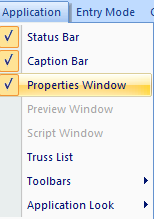
- Make sure the Properties window is visible by selecting Properties Window from the Application menu.
- Open an existing truss with plates.
- Right-click on a plated joint and select Plate Monitor to display information for that joint in the Properties window.
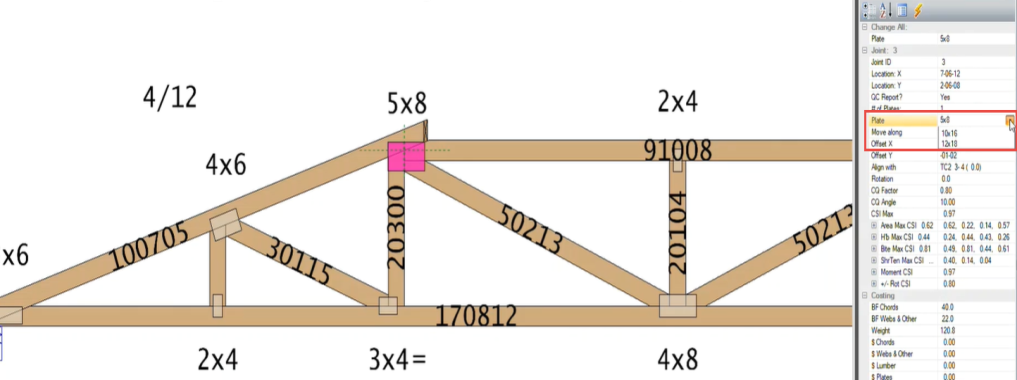
- Select a new plate by clicking the Plate option in the Properties dialog on the right.
Note: Non-stocked plates are those marked with an asterisk.
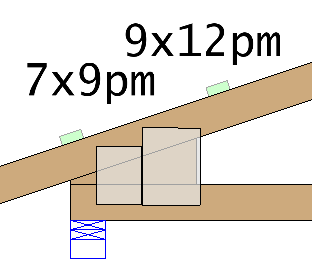
The new plate is displayed on the truss with a PM next to it.
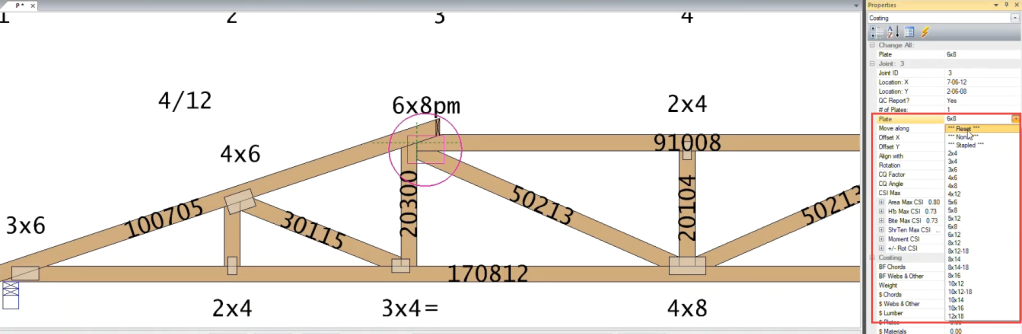
If the selected plate will not work, the message Do Not Build will be displayed along with information about why the plate won't work.
- Click Reset if you want to revert to the original plate.
 Plating solution examples
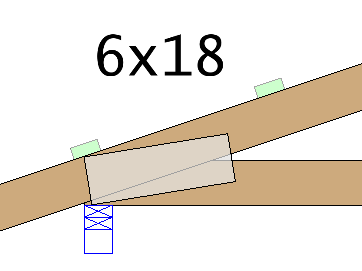
Single plate
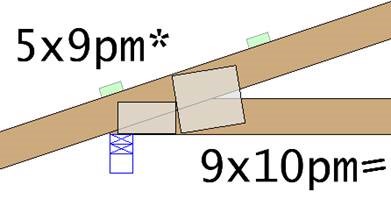
Two plates
Three plates
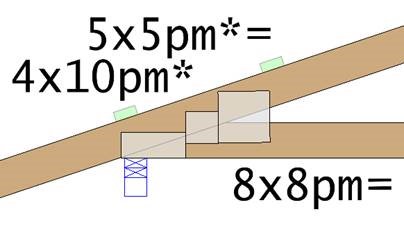
Heel joint with 4” holdback and 4-sided wedge with 2-plates